CatFox Genea

A modern, lightweight, offline genealogy app, focusing on displaying and managing a clean, direct ancestor line.

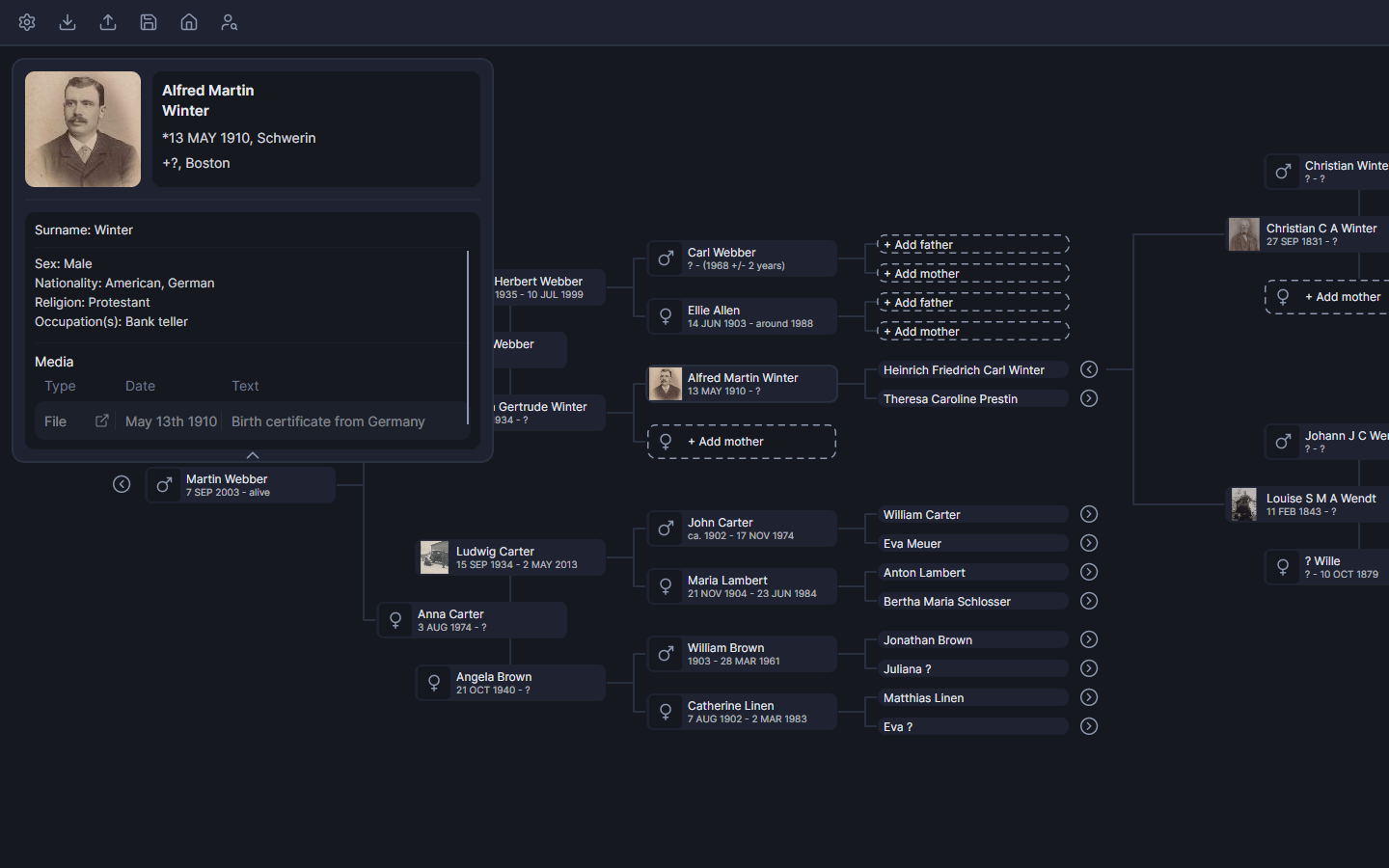
CatFox Genea Screenshot

Designed for clarity

Many genealogy tools try to model every possible relationship and manage every workflow.

CatFox Genea takes a different approach:
It focuses on managing and displaying a direct ancestor line, with navigation that remains readable even as your tree grows.

Expand generation by generation, without having your displayed family tree devolve into a confusing mess.

Built to feel modern

Smooth interactions, responsive navigation and a clean visual language. CatFox Genea is made to react instantly and stay out of your way while you work.

The interface remains consistent throughout the application. Editing, reading and navigating follow the same visual structure.

No visual overload. No unnecessary friction. Just a focused desktop experience.

Key features

Cluster-based tree

The tree is organized into clusters of 4 generations. To keep navigation easy, and your steps retraceable.

GEDCOM compatible

Bring existing data in, or export your work as a GEDCOM file at any moment. Your data stays yours.

Media attachments

Attach files like documents or photos to people. Add a profile picture to make someone in the tree easier to recognize.

Project folder

Everything you need is stored in a single folder you choose. It contains the database, backups and media, so you can move your project anytime.

Built-in backups

Control your backups directly inside the app. Three quick-access slots keep the process simple.

Local, offline-first

Your data is stored locally on your device. CatFox Genea is fully functional without an internet connection.

Person search

Quickly find people by name and jump to their position in the tree, automatically expanding the appropriate clusters.

Direct ancestor focus

CatFox Genea intentionally avoids modelling large side-branches. The main goal here is clarity: build a readable ancestor line.

Details

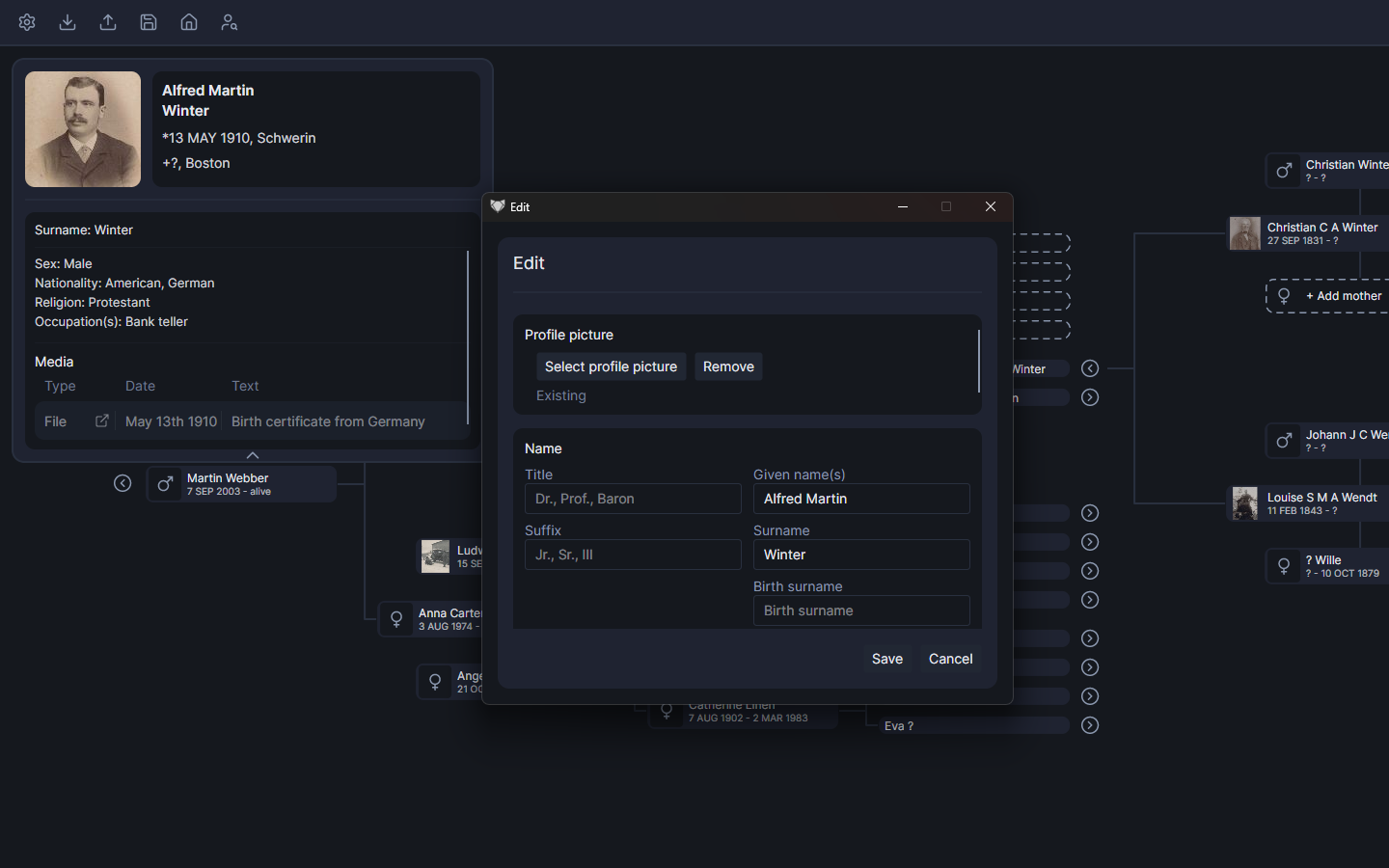
Edit information

CatFox Genea lets you manage all essential details of a person in one clear, structured view.

  • Profile: Add a profile picture and edit a person's full name (Title, Given name(s), Surname, Birth surname, Suffix).
  • Core data: Sex, but also Birth, Baptism and Death (date + place).
  • Partnerships: Automatically created when parents are set. However, wedding and divorce data can be edited.
  • Background: Education, Nationality, Religion, Occupation(s), Residence(s).
  • Additional info: Notes for anything that doesn't fit predefined fields.
  • Media: Reference files or links, add descriptions and dates. These can be opened directly via the selected person's details panel.
Cluster tree view

Themes

CatFox Genea includes multiple built-in themes and an entirely customizable colour scheme. Choose a look that fits your workspace, or adjust the palette to your preference.

Designed for clarity, contrast and long editing sessions.

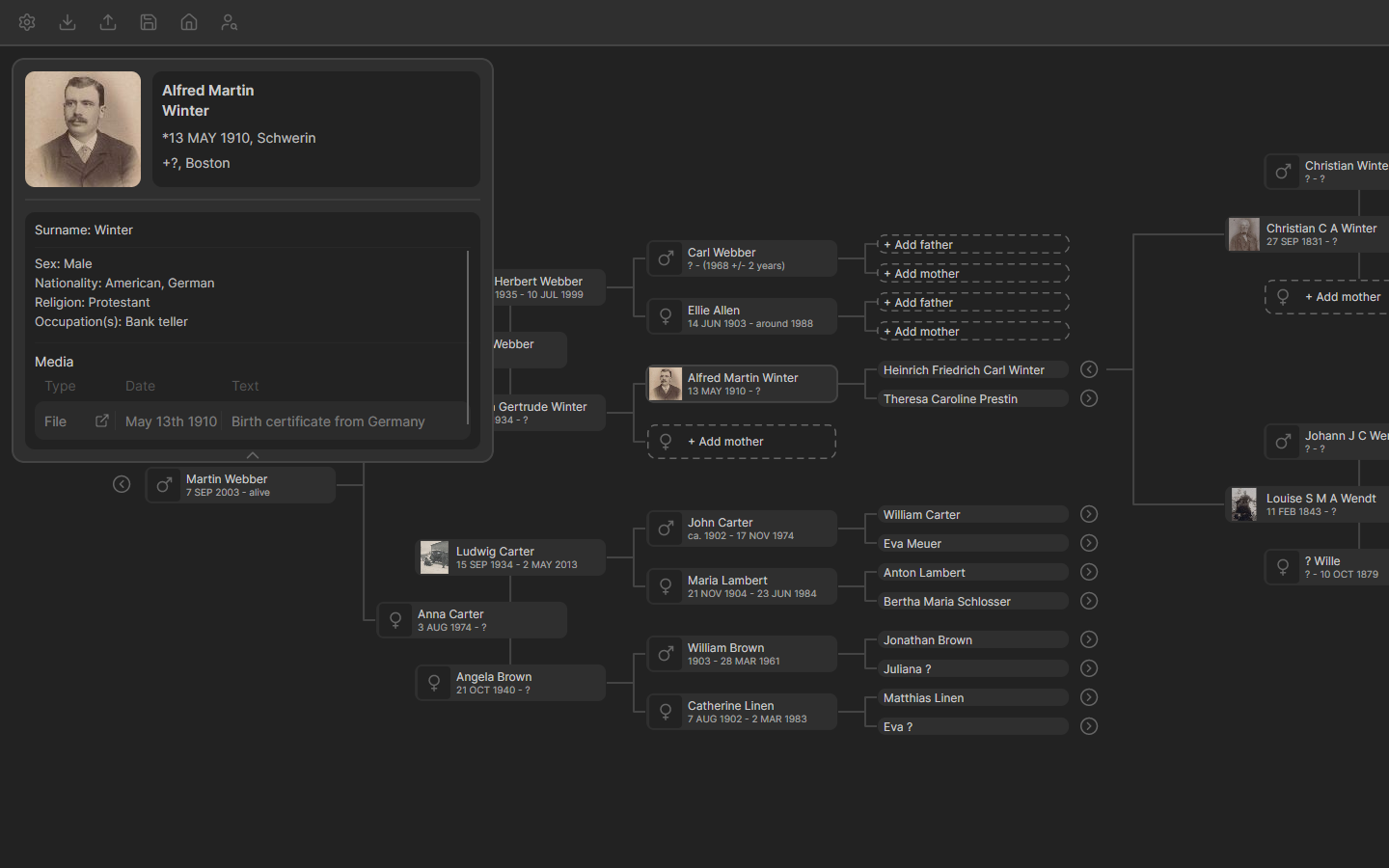
Theme preview: CatFox
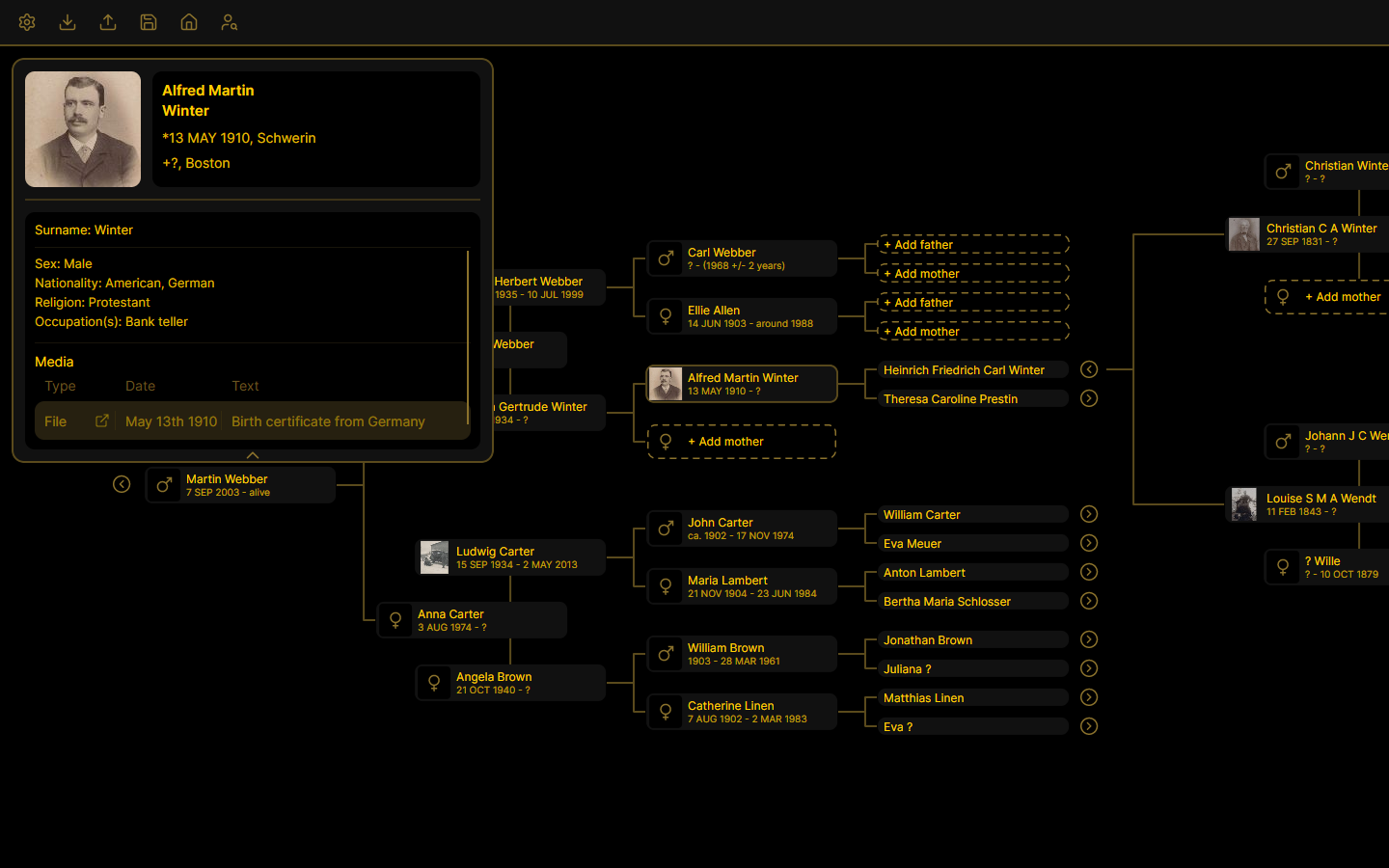
Theme preview: Carbon
Theme preview: Cosmos
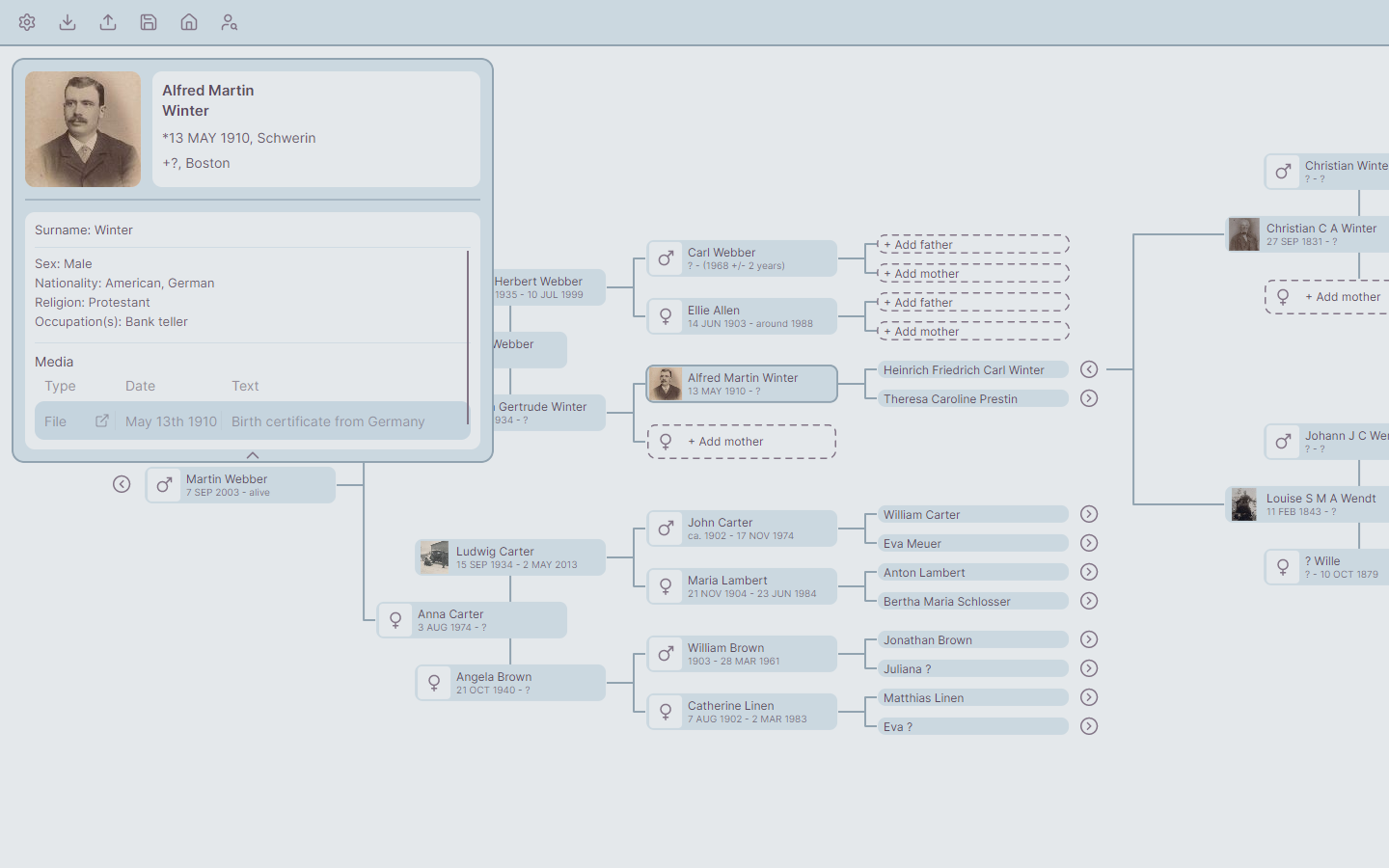
Theme preview: Moonveil
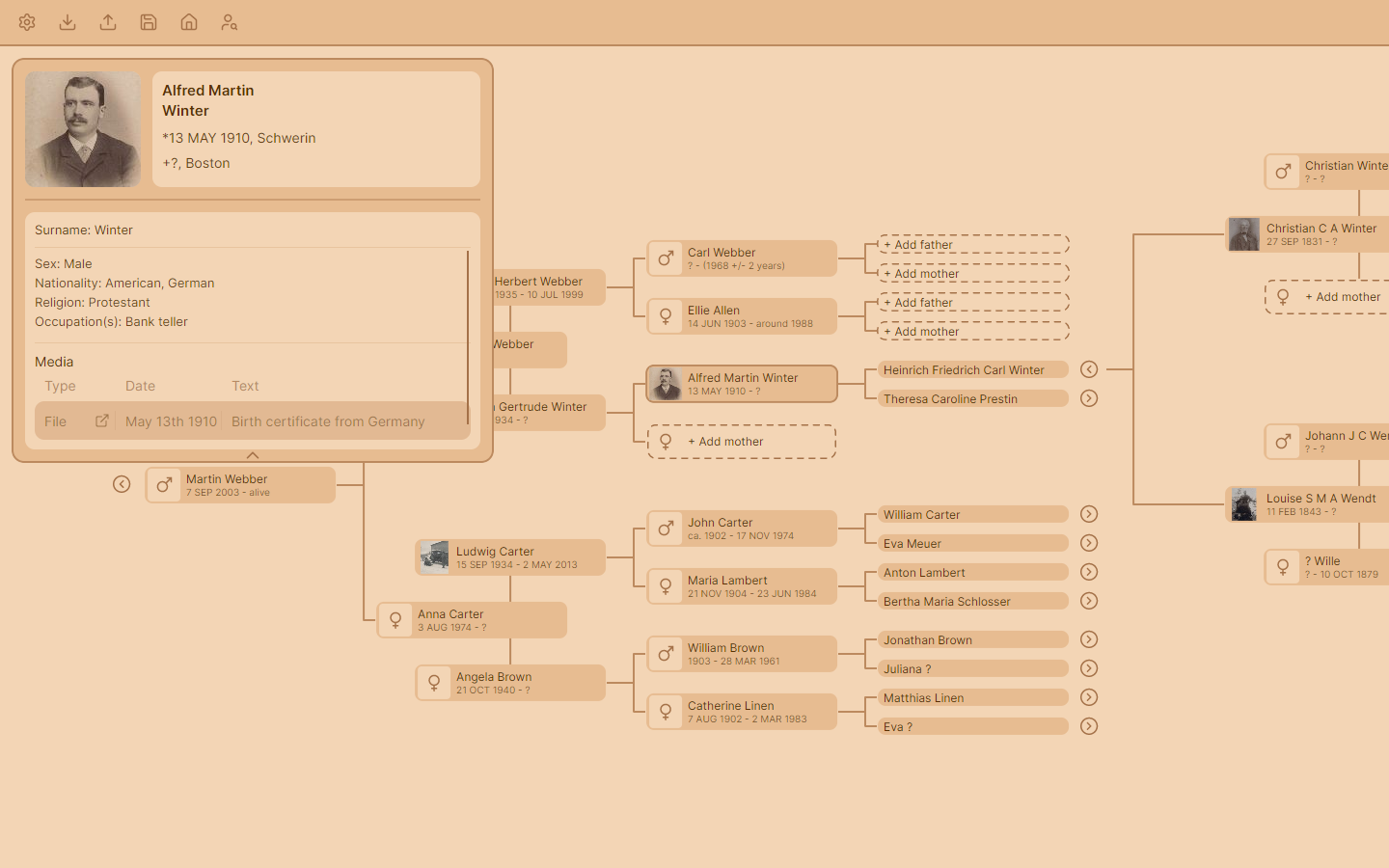
Theme preview: Toffee

Try it out

Download CatFox Genea and start a genealogy project.

FAQ

Does CatFox Genea support siblings and large side-branches?

No. CatFox Genea is intentionally focused on direct ancestor lines to keep navigation clean and readable.
Additional information can always be added to a person's custom note block.

Is an internet connection required to use the Software?

No. CatFox Genea is designed for offline use with local data.

Can I use the entire app without paying?

Yes. CatFox Genea is entirely free to use. Donations are welcome, but optional.

Can I import an existing family tree?

Yes. CatFox Genea supports GEDCOM files for import. Keep in mind that side-branches (e.g. siblings) will be excluded.

Can I export my tree's data?

Yes. You can export your tree's information via GEDCOM anytime.

Are more features planned?

Yes. Development is ongoing, but the focus remains on maintaining a clean and simple user experience.
Feature bloat is meant to be avoided.

Specifications

Framework .NET 10
UI Framework Avalonia 11
Save format SQLite for data, JSON for settings
Supported languages English, German